Defeat Ragdolls for Powers Beginner Guide: Start Here
Use this Defeat Ragdolls for Powers beginner guide to finish the tutorial, redeem codes, open free packs, learn combat, and spend coins and gems wisely.
Start With Three Knockouts and Your Free Pack
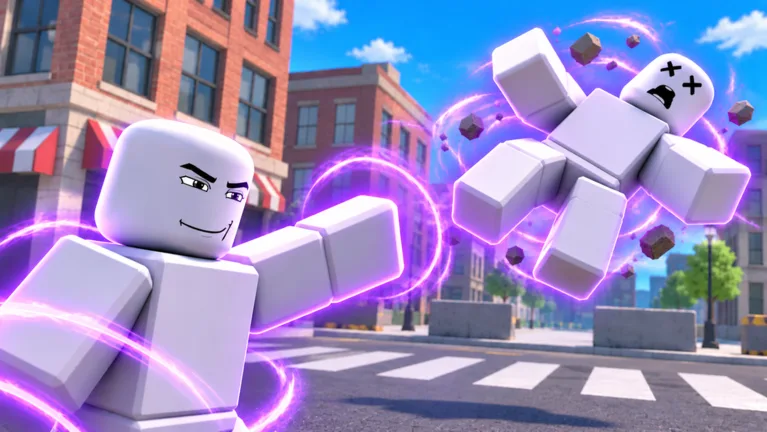
Start Defeat Ragdolls for Powers by knocking out three ragdolls, opening your free tutorial pack, and equipping a power. The priority in this Defeat Ragdolls for Powers beginner guide is to turn those opening rewards into a usable set of abilities. Practice in the city, collect coins for more packs, and learn your moves before attempting zombie waves.
Starting priorities for November 24, 2026
| Priority | What to do | Key detail |
|---|---|---|
| Complete the opening objective | Knock out nearby ragdolls | The tutorial asks for three knockouts |
| Open your tutorial reward | Follow the prompt to open a pack | Your first pack is free |
| Expand your collection | Earn coins and open power packs | There are 120 powers across six types |
| Plan a multiplayer session | Bring friends into co-op | Servers hold a maximum of four players |
1. Follow the opening objective before exploring. Find the walking ragdolls around the city and knock out three. Once the objective changes to opening a pack, follow that prompt to collect your starting powers.
2. Equip something from your pack. Opening cards and using their powers are separate steps. Choose an unlocked power, equip it, and check its move prompts before heading back into the streets. If you are still relying on punches, revisit your power selection.
Official page: Defeat Ragdolls for Powers (roblox.com)
Redeem Codes and Find Your Free Packs
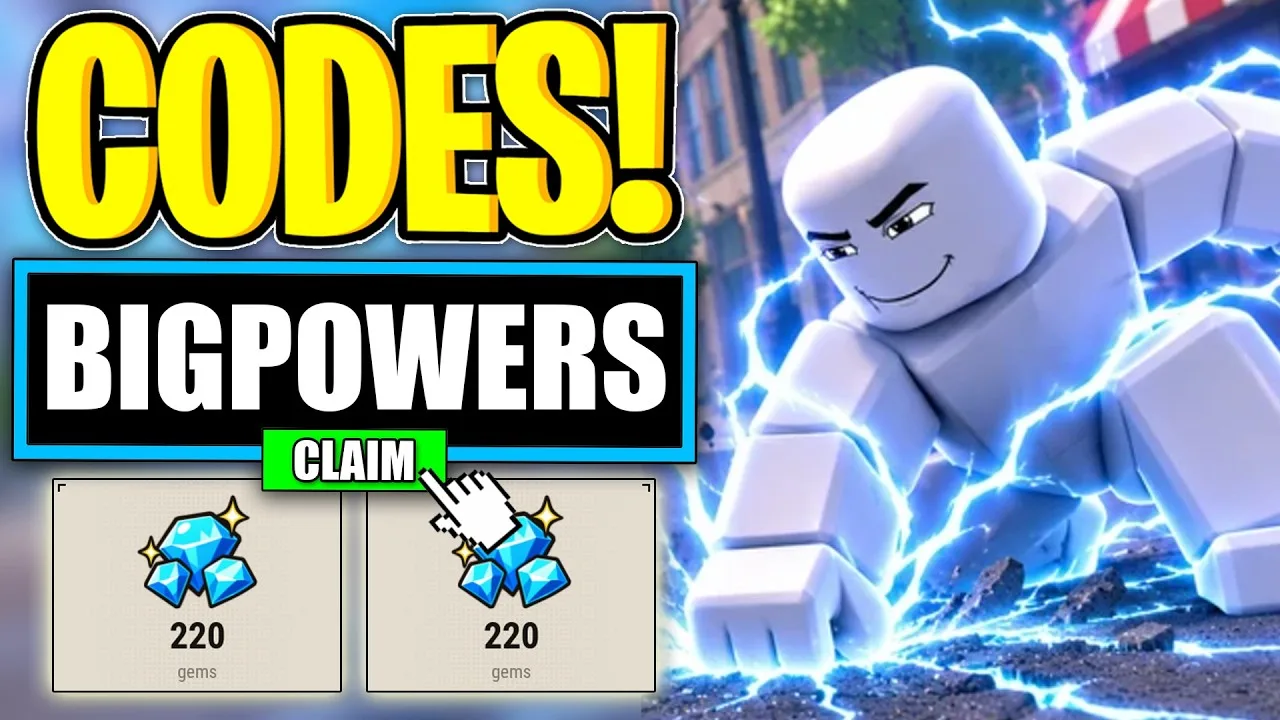
3. Claim code rewards before spending coins on packs. Coins and free packs give you more abilities to try without waiting for additional knockout rewards.
| Code | Rewards |
|---|---|
LAUNCH | 2,500 Coins, 1 Rare Pack, and the Ravager Power |
500KPLAYS | 10,000 Coins and 1 Epic Pack |
6KCCU | 6,000 Coins and 1 Epic Pack |
5KCCU | 5,000 Coins and 1 Epic Pack |
COOP | 2,500 Coins and 1 Epic Pack |
To redeem a code:
- Open the gear icon in the upper-left corner.
- Select Codes.
- Enter the code in the Type it here field.
- Click Redeem.
Enter codes exactly as written, without spaces before or after them. If a code fails, check the spelling; expired codes will also stop working.
4. Look under Free for reward packs. Open the pack menu and select Free to find packs received through rewards. An Epic Pack gives you three cards, so finish revealing the pack before returning to combat.
Learn Your Powers Before Chasing Rarity
5. Practice the moves displayed on your screen. Power abilities use E, F, and R on keyboard. Try each move separately against nearby ragdolls so you can see what it does and recognize when it becomes available again.
The collection spans Elements, Heroes, Tech, Mystic, Cosmic, and Dark, with rarities ranging from Common to Mythic. Powers include lightning, black holes, chainsaws, katanas, and nukes, with different effects on ragdoll bodies.
6. Compare how abilities behave. Test whether a move launches, freezes, slices, or explodes its target. Use that behavior to plan your next attack: launch a ragdoll toward a trap, for example, instead of chasing it down the street.
Try newly unlocked abilities before spending more coins hunting another card. Learning the powers already in your collection gives you something concrete to compare against your next pull.
Spend Coins and Gems With a Purpose
7. Keep pack spending and upgrades separate. Coins buy power packs, while gems are used for upgrades. Read the upgrade option and its cost before confirming, especially when your gem supply is small.
8. Claim rewards when they become available. Check the reward and playtime reward menus during your session. Rewards can include gems, giving you another reason to revisit those menus between fights.
Collect coins from your knockouts before moving elsewhere. Coin Magnet is a separate paid convenience that brings knockout coins to you; without it, pay attention to the drops around your targets.
Watch for Patrols and Use the City
9. Watch your wanted level. Causing chaos attracts police, and pushing further brings heroes into the fight. Soldiers also oppose your rampage. Keep an eye on approaching enemies while testing powers so a simple practice session does not become a crowded fight.
10. Experiment with the environment. The city has breakable buildings, drivable cars, military tanks, and traps. Crushers, a shredder, a wrecking ball, a woodchipper, and a shark pool give you targets for powers that throw or launch ragdolls.
Aim a launch toward a trap and watch where the ragdoll lands. This gives you a useful way to practice positioning while exploring the map.
11. Learn your attacks before entering zombie mode. Zombie mode revolves around surviving waves, and enemies attack you directly. Practice your equipped moves in the city first, then attempt the waves once you can use those abilities without searching for the controls.
Collect Event Rewards Before Buying Extras
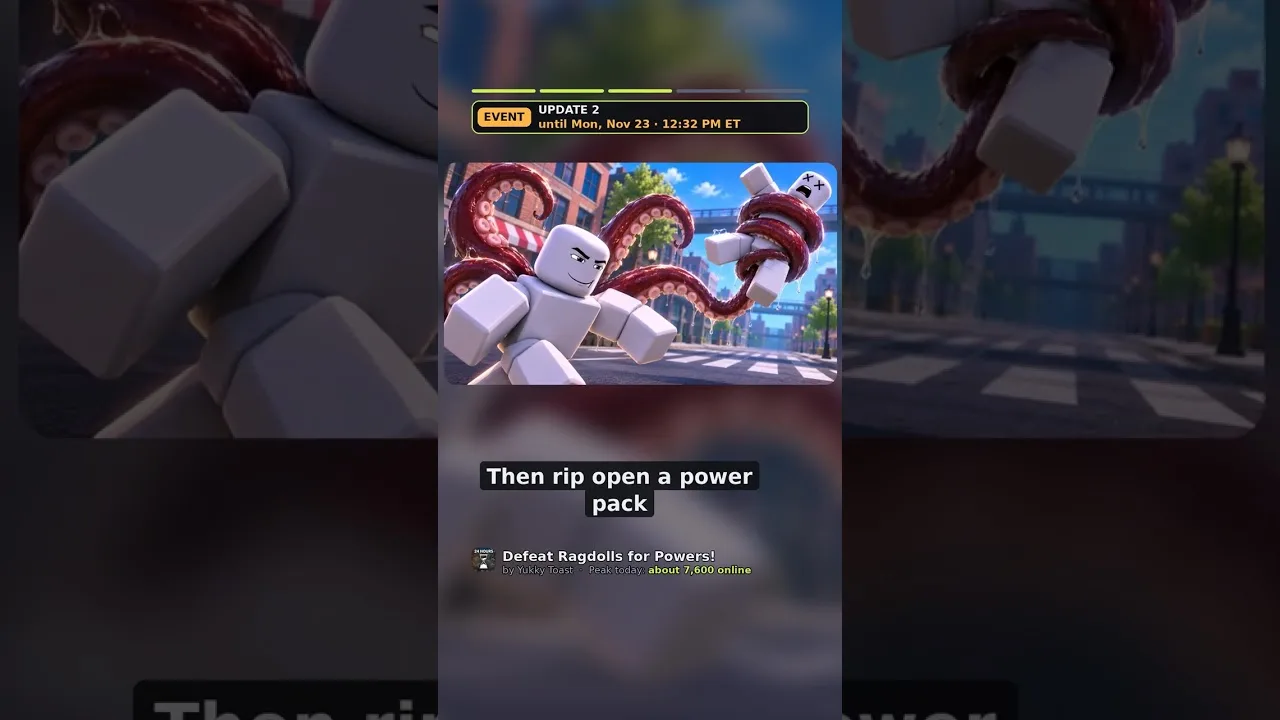
12. Visit the Thanksgiving event. Collect drumsticks and use the event to pick a free power. Check its objectives while playing so you can work toward the reward alongside your regular city activities.
13. Read game-pass benefits carefully. Custom Loadouts costs 249 Robux and lets you assign owned moves to E, F, and R, choose a power’s passive, and save three loadouts. VIP costs 399 Robux and adds a fourth power slot, x1.5 coins from knockouts, and better pack odds.
The All Pack Powers pass costs 3999 Robux and includes pack powers from current and future updates. VIP and event powers are excluded, so collect event rewards separately if you want those additions to your collection.
Continue with
 Defeat Ragdolls for Powers Coins: Farming and PacksEarn Defeat Ragdolls for Powers coins through knockouts and codes. Learn how packs work, what gems upgrade, and which coin passes offer extra rewards.
More in Guide
See all Guide
Continue exploring
Join the community
Official channels for news, updates and player help: